Browse public details
Compare photos, price, seats, fuel type, and trip fit before creating an account.
Melaka Sentral
12 Nov - 15 Nov
Browse first
A clear rental guide for browsing cars, choosing the right match, paying safely, and collecting keys without confusion.
The page now teaches what matters at each stage, without making the customer scroll through empty visual space.
Compare photos, price, seats, fuel type, and trip fit before creating an account.
Use passenger count, route type, luggage, and comfort needs to narrow the car choice.
Complete payment first so the booking is locked and private handover details can be released safely.
Your IC and licence details were verified during account registration. Arrive, inspect the car, collect the key, and drive confidently.
Compact hatchback for city errands, SUV for family comfort, and premium sedan for executive arrivals.
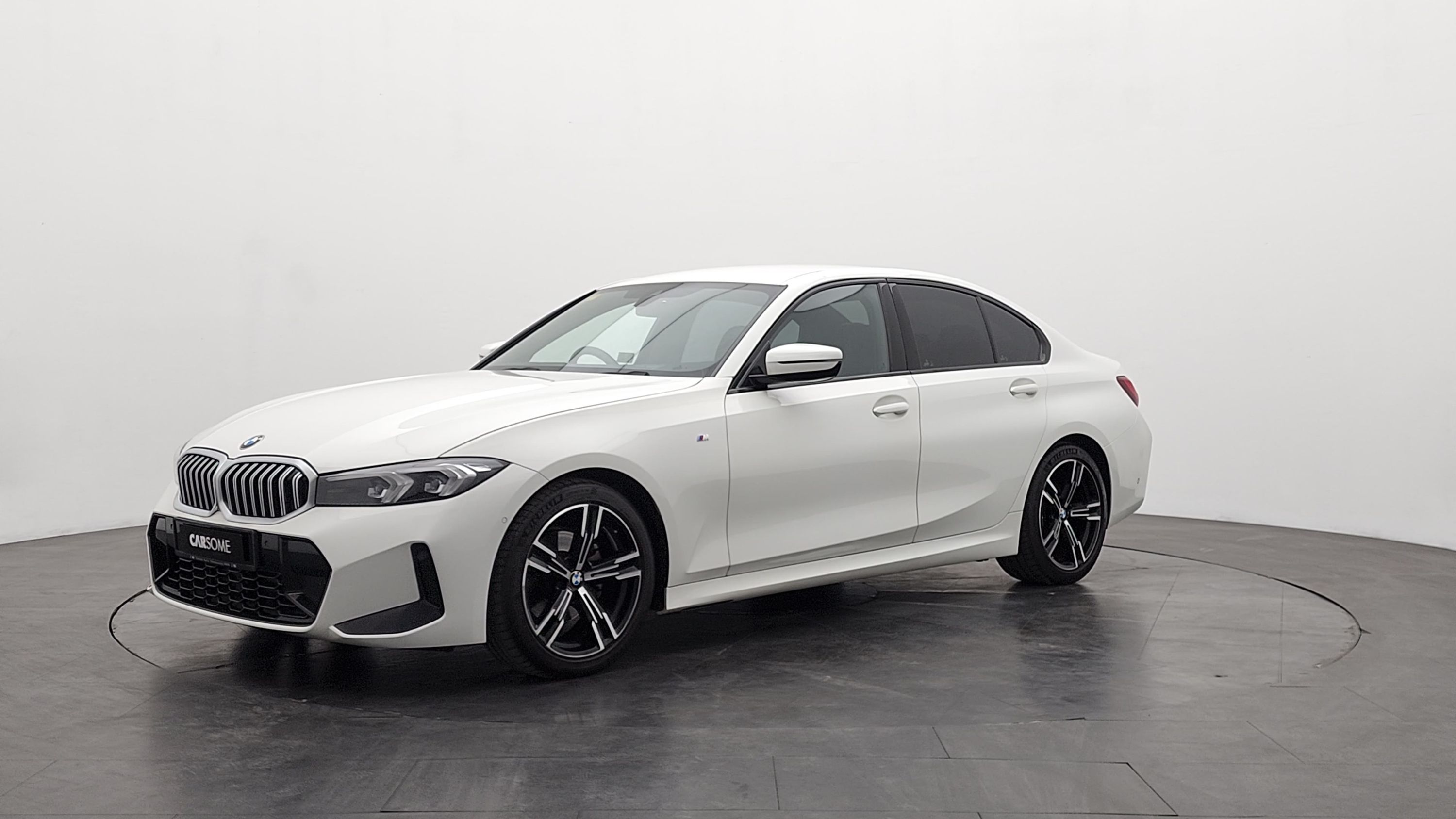
Scroll the hero to rotate the car automatically, then use this panel for manual drag control, smooth interior panorama viewing, and fast model switching.
Prepare these early so payment, verification, and pickup move faster on the day.
Keep the name on your account, ID, and driving licence consistent to avoid manual checks.
Have your preferred card or FPX banking access ready before locking the booking.
A short, on-time handover helps you inspect the car and start your trip without delay.
Customers should know enough to choose confidently, but private car identifiers stay hidden until the booking is paid and confirmed.
Everything you need to know about renting with WeDRIVE
Start with the guest showroom, compare the cars, and create an account only when you are ready to continue the booking.